Editor’s note: This review replaces our earlier Fluke VT04 article, which is no longer available. It was rewritten in November 2026 from Fluke’s own product page and users manual, linked at the end. Fluke now lists the VT04A as discontinued and suggests the Fluke PTi120 pocket thermal camera instead, so check current availability before you buy.
Quick answer
- What it is: a pocket-size “visual IR thermometer”. It shows a low-resolution heat map blended over a regular camera image, plus a temperature reading for the area in a center box.
- Key specs (Fluke): −10 °C to +250 °C (14 °F to 482 °F), accuracy ±2 °C or ±2% (whichever is greater), 28° × 28° field of view, 2.2 in display, 8-hour battery life.
- Two versions: the VT04 has a rechargeable Li-ion battery, a hard case and a 2 m drop rating. The VT04A runs on 4 AA batteries and comes with a soft case.
- Best for quickly locating hot or cold spots, for example in electrical panels, HVAC vents and pipes, when a single-spot IR gun isn’t enough but a full thermal camera is more than you need.
A standard infrared thermometer gives you one number for one spot. A thermal camera gives you a full heat image, but costs more. The Fluke VT04 sits in between. It shows a simple heat map over a visible-light photo, so you can see where something is hot or cold, and it reads the temperature of the area in the center of the screen. This review covers what it does, its published specifications, and who it suits.
What is a visual IR thermometer?
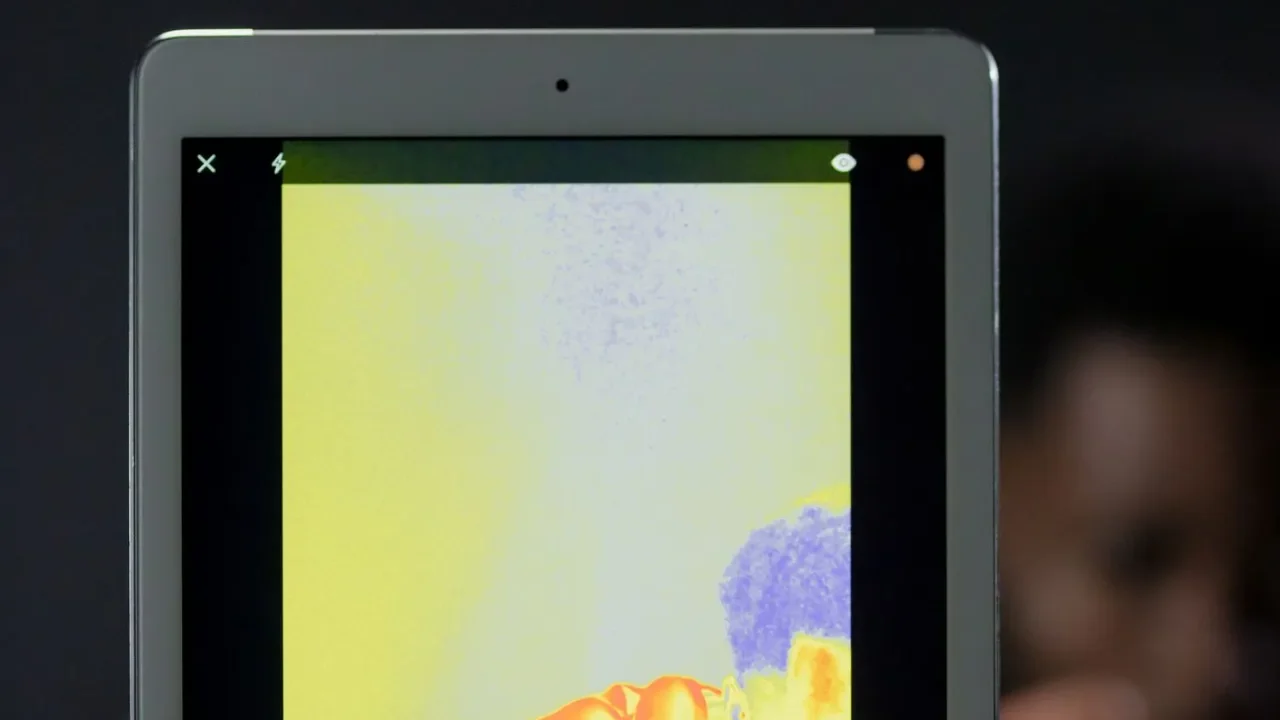
Like any infrared thermometer, the VT04 measures the infrared energy a surface gives off, so it reads surface temperature only. The difference is the screen. Instead of a single reading, the VT04 shows:
- A heat map from its infrared sensor, colored by temperature
- A visible-light image from a built-in camera, so you can recognize what you’re looking at
- A blend of the two, adjustable in five steps from full infrared to full visual (0%, 25%, 50%, 75% and 100% infrared)
- A center measurement box showing exactly which area the temperature reading comes from
The heat map is much coarser than a real thermal camera’s image, which is why Fluke calls it a thermometer rather than a camera. For higher-resolution thermal images, see our guide to Fluke thermal imaging cameras.
Specifications
| Specification | Fluke VT04 / VT04A |
|---|---|
| Temperature range | −10 °C to +250 °C (14 °F to 482 °F) |
| Accuracy | ±2 °C or ±2% as tested at 25 °C, whichever is greater |
| Emissivity | Adjustable on screen, with reflected background temperature compensation |
| Detector | Uncooled pyroelectric ceramic |
| Thermal sensitivity (NETD) | 250 mK |
| Infrared spectral band | 6.5 µm to 14 µm |
| Image capture frequency | 8 Hz |
| Visual camera | 11,025 pixels |
| Field of view | 28° × 28° |
| Focus | Fixed (focus free) |
| Image alignment | NEAR mode under 23 cm (9 in); FAR mode over 23 cm |
| Display | 2.2 in diagonal |
| Storage | Micro SD card (4 GB card included); .bmp and .is2 files |
| Battery | VT04: Li-ion rechargeable, 3.6 V, 2250 mAh · VT04A: 4 × AA |
| Battery life | 8 hours |
| Drop rating | VT04: 2 m · VT04A: 30 cm (MIL-PRF-28800F Class 2) |
| Operating temperature | −5 °C to +45 °C |
| Size | 21 × 7.5 × 5.5 cm (8.3 × 3 × 2.2 in) |
| Weight | Under 300 g (10.5 oz) with battery |
| Warranty | 2 years |
All figures are from Fluke’s VT02/VT04A/VT04 users manual and the Fluke VT04A product page.
Features worth knowing about
NEAR and FAR alignment
The visual camera and the infrared sensor sit side by side, so their images need lining up. The VT04 handles this with two modes. Use NEAR when you’re closer than about 23 cm (9 in) to the target, and FAR beyond that. Fluke’s product page says aligned images are available from as close as 15 cm (6 in) in NEAR mode.
Hot and cold markers
Markers on screen show the hottest and coldest points in view. That’s the quickest way to find an overheating connection or a cold spot in a duct.
Alarms, time-lapse and auto-monitor
According to Fluke, both the VT04 and the VT04A can:
- Flash an alarm when a reading goes above or below a threshold you set
- Capture images automatically at set intervals (time-lapse)
- Save an image automatically when your chosen threshold is exceeded, which helps catch intermittent problems
Emissivity and background compensation
Emissivity is adjustable on screen, and you can set the reflected background temperature. Both settings matter on semi-reflective surfaces such as painted metal. Very shiny surfaces still read poorly on any infrared thermometer. Our infrared vs probe guide explains why.
Saving and reporting
Images save to the micro SD card as .bmp files for quick sharing, or as .is2 files, which you can open in Fluke’s SmartView software to change palettes and build reports.
VT04 vs VT04A: what’s the difference?
| VT04 | VT04A | |
|---|---|---|
| Battery | Rechargeable Li-ion (charger included) | 4 × AA |
| Case | Hard case | Soft case |
| Drop rating | 2 m | 30 cm |
| In the box (both) | Micro SD card and adapter, printed quick reference guides | |
| Extras | USB charger and AC adapters, lanyard, SmartView software, users manual | 4 AA batteries |
| Measurement specs | Identical: same range, accuracy, field of view and features | |
If you’ll drop it into a tool bag every day, the VT04’s higher drop rating and rechargeable battery are worth having. If you prefer swapping in AA batteries on the job, the VT04A is simpler.
Pros and limitations
Pros
- Shows where a hot or cold spot is, not just one number
- Blend modes help you recognize the object you’re measuring
- Hot/cold markers, alarms and time-lapse capture
- Adjustable emissivity and background compensation
- Pocket-size, under 300 g
Limitations
- Heat map is far coarser than a thermal camera’s
- Range tops out at 250 °C (482 °F)
- Accuracy of ±2 °C / ±2% is typical for IR, not lab-grade
- Reads surfaces only, like any IR thermometer
- Discontinued by Fluke, so stock may be limited
Who should consider it?
- Electricians and maintenance technicians who want to spot overheating breakers, connections or motors quickly. Always follow electrical safety procedures; the VT04 measures from a distance but doesn’t make live work safe.
- HVAC technicians checking vents, registers, ducts and refrigerant lines.
- Home inspectors and handy homeowners looking for surface temperature patterns that can point to drafts or missing insulation, with the limits of a low-resolution image in mind.
If you only need single-spot readings, a conventional IR thermometer such as the Fluke 59 or 62 MAX is simpler. If you need detailed thermal images for reports, look at a full thermal imaging camera.
Bottom line
The Fluke VT04 and VT04A bridge the gap between a spot IR thermometer and a thermal camera. The blended heat map makes it easy to find a problem area, and alarms and time-lapse capture help with intermittent faults. The trade-offs are a coarse thermal image and a 250 °C ceiling. Because Fluke has discontinued the VT04A and points buyers to the PTi120 pocket thermal camera, compare current options before buying.
FAQ
How accurate is the Fluke VT04?
Fluke specifies ±2 °C or ±2% as tested at 25 °C, whichever is greater, over a −10 °C to +250 °C range.
Is the Fluke VT04 a thermal camera?
Not quite. It shows a heat map blended with a visual image, but at much lower resolution than a thermal camera. Fluke markets it as a visual IR thermometer.
What’s the difference between the VT04 and VT04A?
The VT04 uses a rechargeable Li-ion battery, comes with a hard case and has a 2 m drop rating. The VT04A uses four AA batteries and comes with a soft case. Measurement specifications are the same.
Can I use the VT04 to check food or body temperature?
It isn’t designed for either. Infrared thermometers read surfaces only. For food, use a probe thermometer and our safe cooking temperature chart; for people, use a medical thermometer.
Is the Fluke VT04 discontinued?
Fluke’s product page lists the VT04A as discontinued and suggests the Fluke PTi120 pocket thermal camera as an alternative.
Sources: Fluke VT04A product page (product overview, specifications and models); Fluke VT02, VT04A, VT04 Users Manual (specifications section), available from the product page’s Manuals + resources tab.