Editor’s note: Originally published December 2020. Reviewed and updated November 2026. Some models mentioned here may have been updated or discontinued since; check current availability and specifications before buying.
Quick answer
- The Honeywell RTH6580WF is a Wi-Fi, 7-day programmable thermostat with physical buttons instead of a touchscreen.
- It needs a C-wire, runs on standard 24 volts, connects only to 2.4 GHz Wi-Fi and is controlled through the free Total Connect Comfort app.
- It suits buyers who want app control and scheduling at a budget-friendly price without a flashy design.
- Drawbacks: no touchscreen and no battery backup.
The Honeywell RTH6580WF is a good fit if you want smart-thermostat features such as app control and scheduling but still like real buttons on the wall. It isn’t the fanciest thermostat available, but according to Honeywell’s listed features it covers the functions most homes need at a price that won’t break the bank.
Honeywell RTH6580WF overview
Listed specifications
- Wi-Fi connected, 2.4 GHz networks only
- 7-day programmable, with up to 4 periods per day
- Accuracy listed within 1 degree
- Standard 24-volt operation; C-wire required
- Base approximately 6 inches wide, 3.5 inches high and 1.5 inches thick
- Energy Star certified
- Includes back plate and mounting hardware
- 1-year manufacturer warranty, according to the manufacturer at the time of writing
Pros
- Listed accuracy within 1 degree
- Designed for DIY installation
- Updates itself automatically
- Built-in clock
- Physical buttons plus app control
Cons
- No touchscreen
- No battery backup
- Requires a C-wire
- Works only with 2.4 GHz Wi-Fi
Design
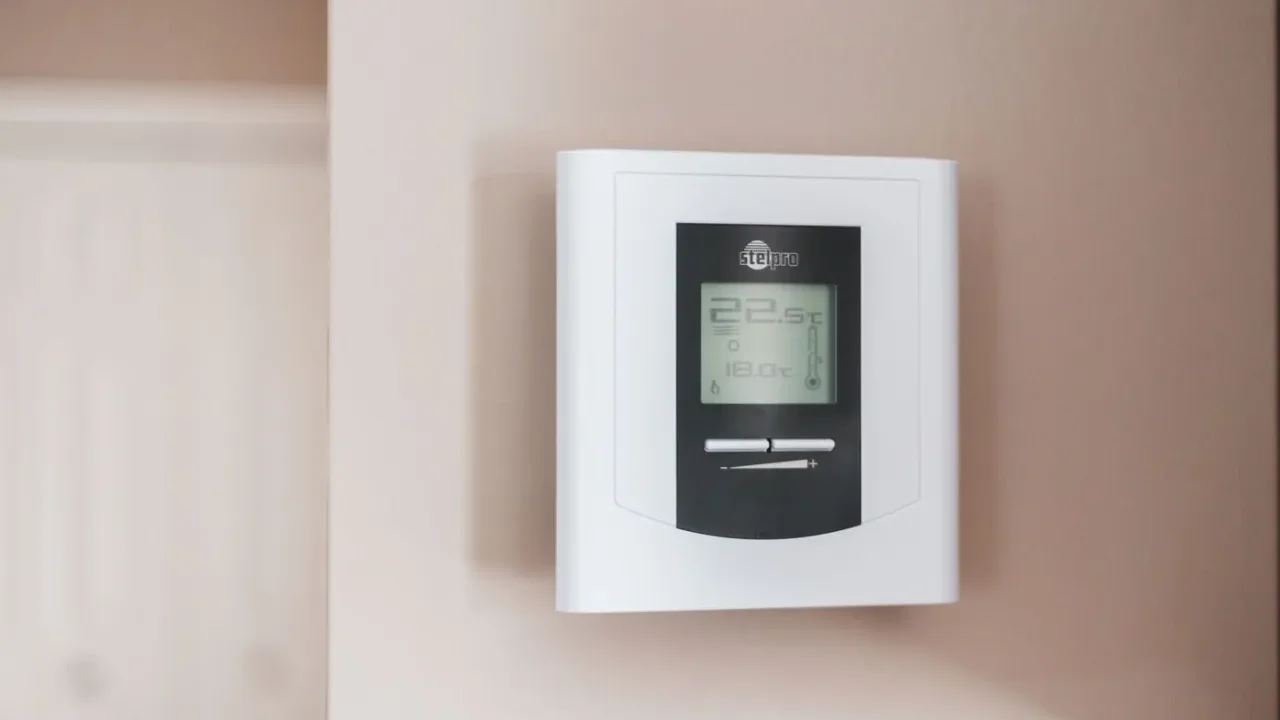
The design won’t turn heads, but don’t let that put you off. The rectangular white unit has a bright display that is visible at all times and gray, rubbery buttons along the bottom and side for setting everything up. It may remind you of an older home alarm panel.
The physical buttons give it a classic feel: it is a smart thermostat that behaves like a simple one. There are buttons for the temperature, the clock, settings and modes, and an override button, so it is easy to control right at the wall when your phone isn’t handy.
Installation and compatibility
The RTH6580WF operates on standard 24 volts and needs a C-wire to work properly. It is listed as compatible with most common heating and cooling system configurations.
You don’t need to be a professional to install it; it is mainly a matter of connecting a few wires. Honeywell customer service can help if you run into problems. The box includes the back plate and hardware to mount it to the wall. If you’re unsure whether your system has a C-wire, our thermostat buying guide explains what to check.
Key features
Wi-Fi connection
Like many smart thermostats, the RTH6580WF connects to your home Wi-Fi. It works only on the 2.4 GHz band, so make sure your router supports it.
7-day programmable schedules
You can set a different program for each day of the week, with up to four changes per day. That means you can run one schedule for weekdays when the house is empty and another for weekends when everyone is home. According to Honeywell, when connected to Wi-Fi the thermostat remembers your schedules even after a power outage, so you shouldn’t need to reprogram it.
It comes with a preset energy-saving schedule and an energy-saving mode, and you can change those settings to suit your household.
Voice assistant support
The thermostat was listed as working with Amazon Alexa and other smart-home platforms. You need your own smart speaker or hub; none is included. Smart-home integrations change over time, so check Honeywell’s current compatibility list before buying.
Total Connect Comfort app
For many buyers the free Total Connect Comfort app is the main attraction. It is available for Android and Apple devices, including phones, tablets and watches, and anything you can do with the buttons on the unit you can also do in the app.
In the app you can:
- View and change the temperature
- Set and edit schedules
- See the local weather
- Check indoor and outdoor humidity
- Adjust other settings
- Receive email alerts for extreme temperatures or when the Wi-Fi connection drops
Bottom line
The Honeywell RTH6580WF doesn’t look like a Nest, but it offers app control, 7-day scheduling and energy-saving settings in an easy-to-install, easy-to-use package, and it costs less than many thermostats with similar features. The only real drawbacks are the lack of a touchscreen and of battery backup. If neither bothers you, it deserves a look.
Comparing options? See our Honeywell thermostat buying guide, the Honeywell Lyric T5 review, or our ecobee vs Nest comparison.
FAQ
Does the Honeywell RTH6580WF need a C-wire?
Yes. It runs on standard 24 volts and needs a C-wire to work properly.
Does it work with 5 GHz Wi-Fi?
No. It connects only to 2.4 GHz networks.
Does it have a touchscreen?
No. It uses physical buttons on the unit, and you can also control it through the Total Connect Comfort app.